Appearance
MLMs
The MLMs pages serves as an overview for all installed modules and their dependencies. It also permits management actions like creating, uploading and moving MLMs or creating and moving packages.
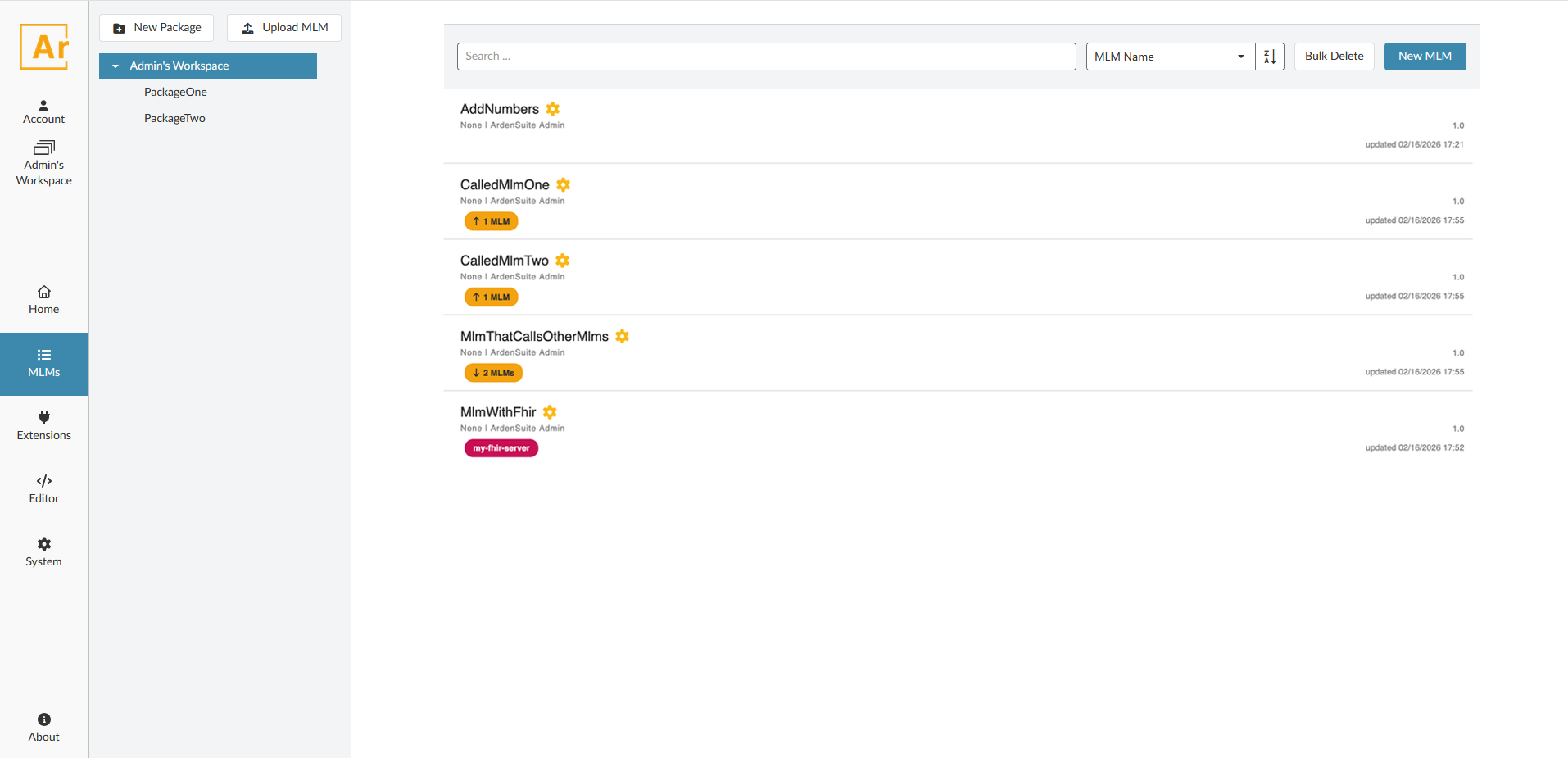
Select a package on the left to display the MLMs contained within. By default, the root package of the workspace is selected. Each MLM entry contains basic information like name, version and author.
Validation
The icon to the right of the name reflects the validation status of the MLM. It can be:
 Production, ready for use
 Testing, in active development
 Research, used for research purposes
 Expired, retired
Related MLMs
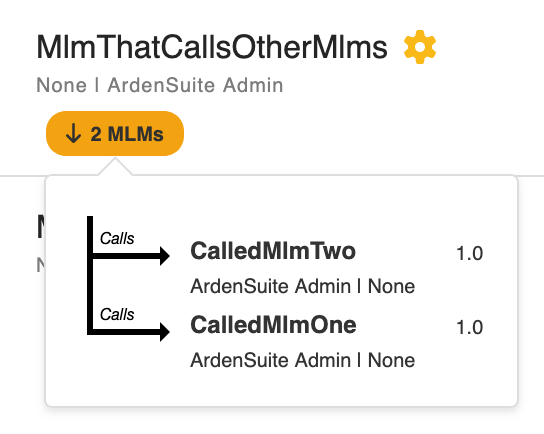
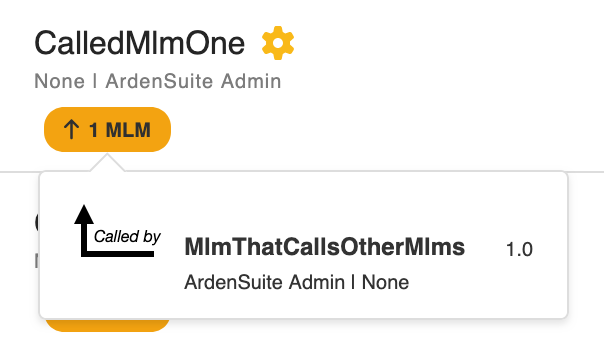
Modules that call other modules, or are called by other modules, are adorned with orange tags. The arrow in the tag indicates the direction of the dependency. A down arrow indicates the MLM calling other MLMs, an up arrow indicates the MLM being called by other MLMs. Since an MLM can both call and be called upon, a maximum of two tags is possible per MLM.
On hover, a popover shows the exact MLMs in question. A click on an MLM in the popover will open the module in the editor.
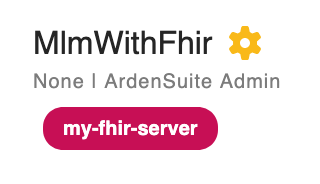
Related extensions
When an MLM uses an extension, be it through READ, EVENT, evoke: ;; or other methods, its dependency is noted by a tag. Clicking this tag will navigate to the extension page and highlight the used extension.