
Appearance
License Management
Licenses can be installed here and the currently installed one can be reviewed. A valid license is required to run MLMs. License validation in ArdenSuite happens purely offline, so no network access needs to be configured.
Installing a license
This is what the license page will look like on a brand new installation:
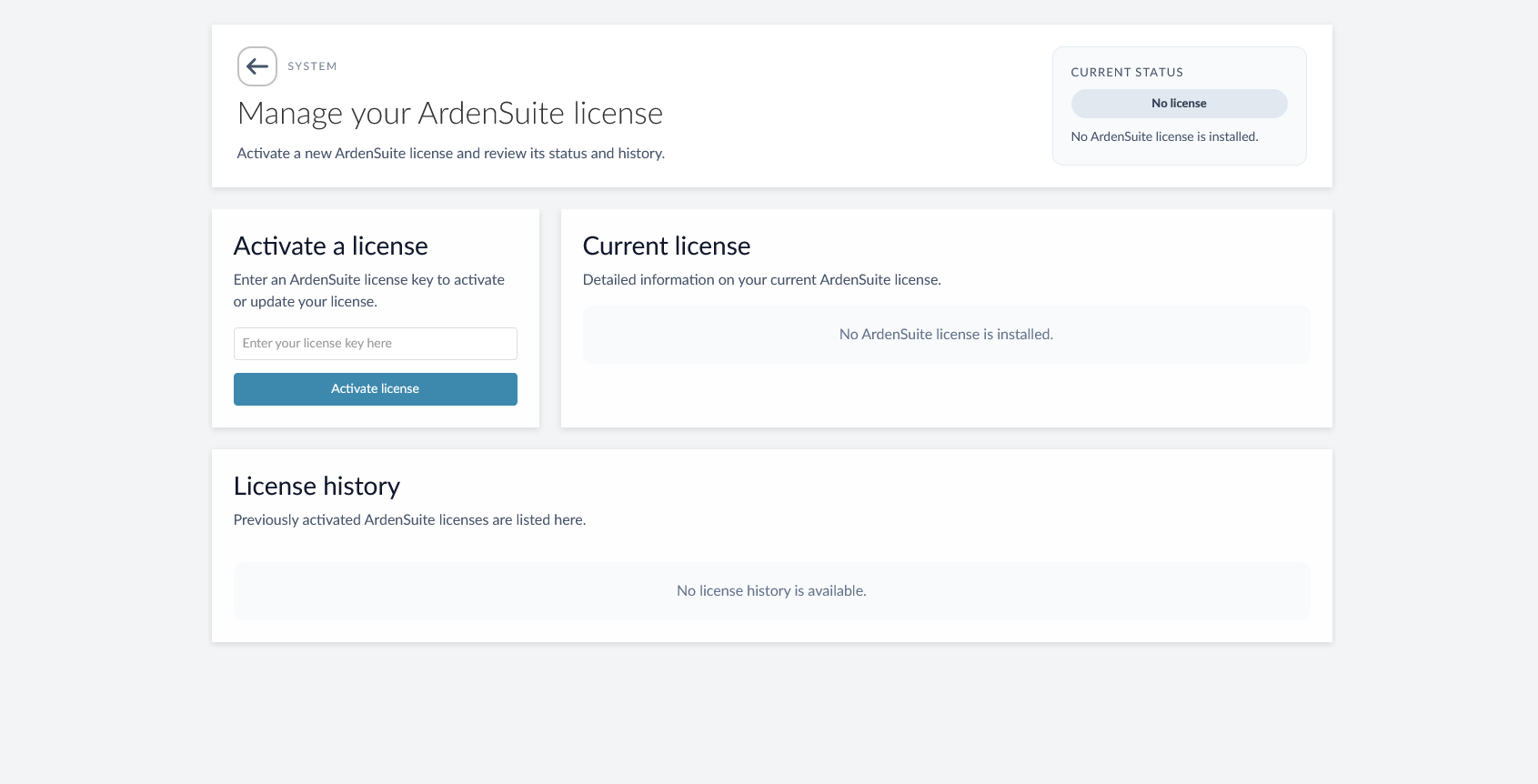
Enter your license key and click Activate. Your license should instantly activate, and you will see the following screen:
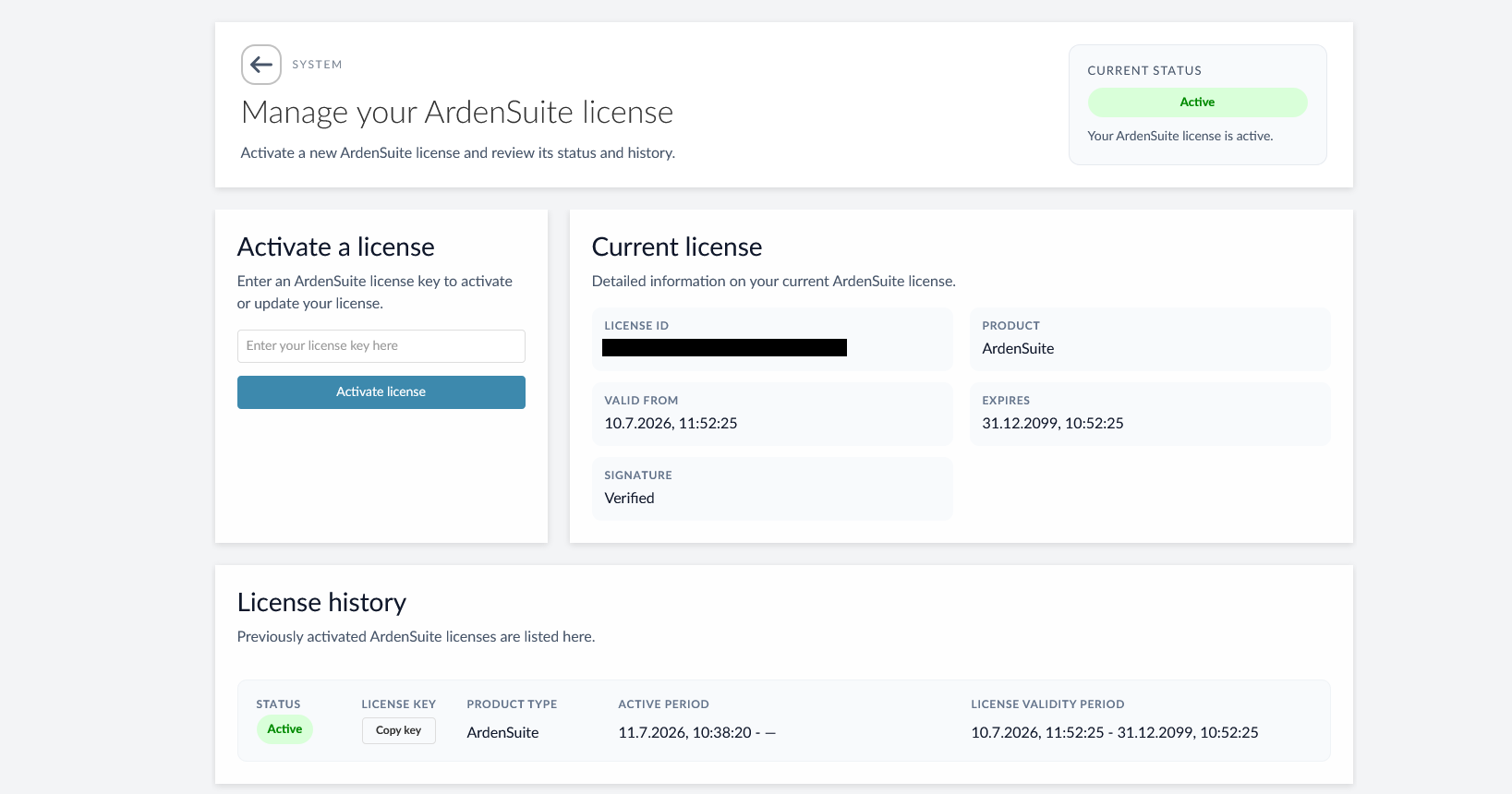
You are now ready to run MLMs. If you purchased a valid license and it does not activate for whatever reason, please contact support@medexter.com.
License history
This list shows active and past licenses installed in the ArdenSuite instance, along with their validity periods. It also allows copying the license keys of past licenses, should they be needed for support purposes.